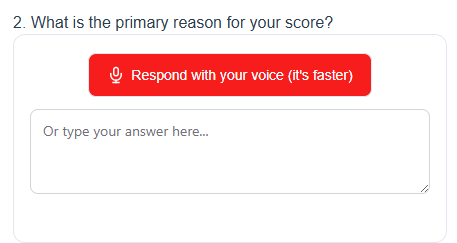
Let respondents answer an open-ended question by speaking or typing within a compatible survey. Voice Capture turns spoken answers into text that research teams can review and export for analysis.
Spoken answers within your survey
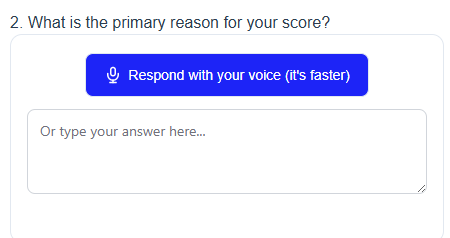
Add a voice-response widget to a supported survey platform. Respondents grant browser microphone permission to speak, or choose the typing option. The spoken answer is transcribed into text for the research workflow.
Check compatibility before fieldwork
QuestionPro and Alchemer have dedicated setup guides. Other integrations depend on the platform allowing the required custom HTML or JavaScript. Check the platform, plan and browser requirements before fieldwork; compatibility should be tested in the published survey.
Connect transcripts with survey data
Use the documented respondent or session identifier to connect transcripts with the main survey export. Validate the identifier mapping with test responses, then review and export the collected text for analysis in your preferred tools.
Voice Capture is designed for research teams adding spoken open ends to customer feedback, experience and survey studies. See the product site for current plans, language availability and integration guidance.
Try a voice question with a typing option.